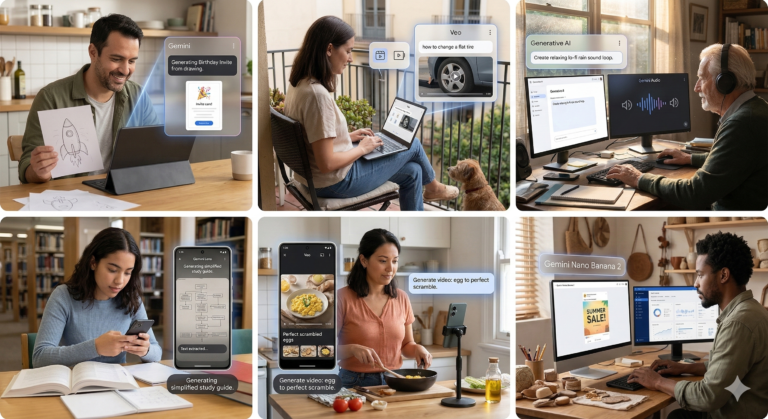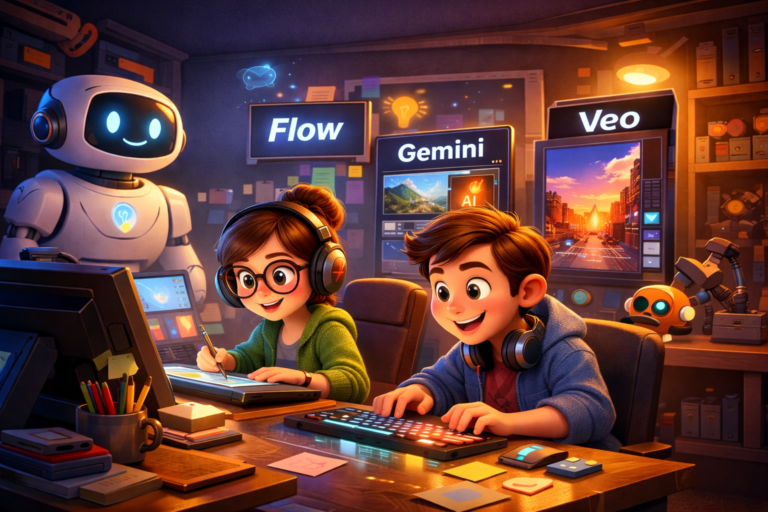
Your next great design idea might not start with a pencil but with a prompt.
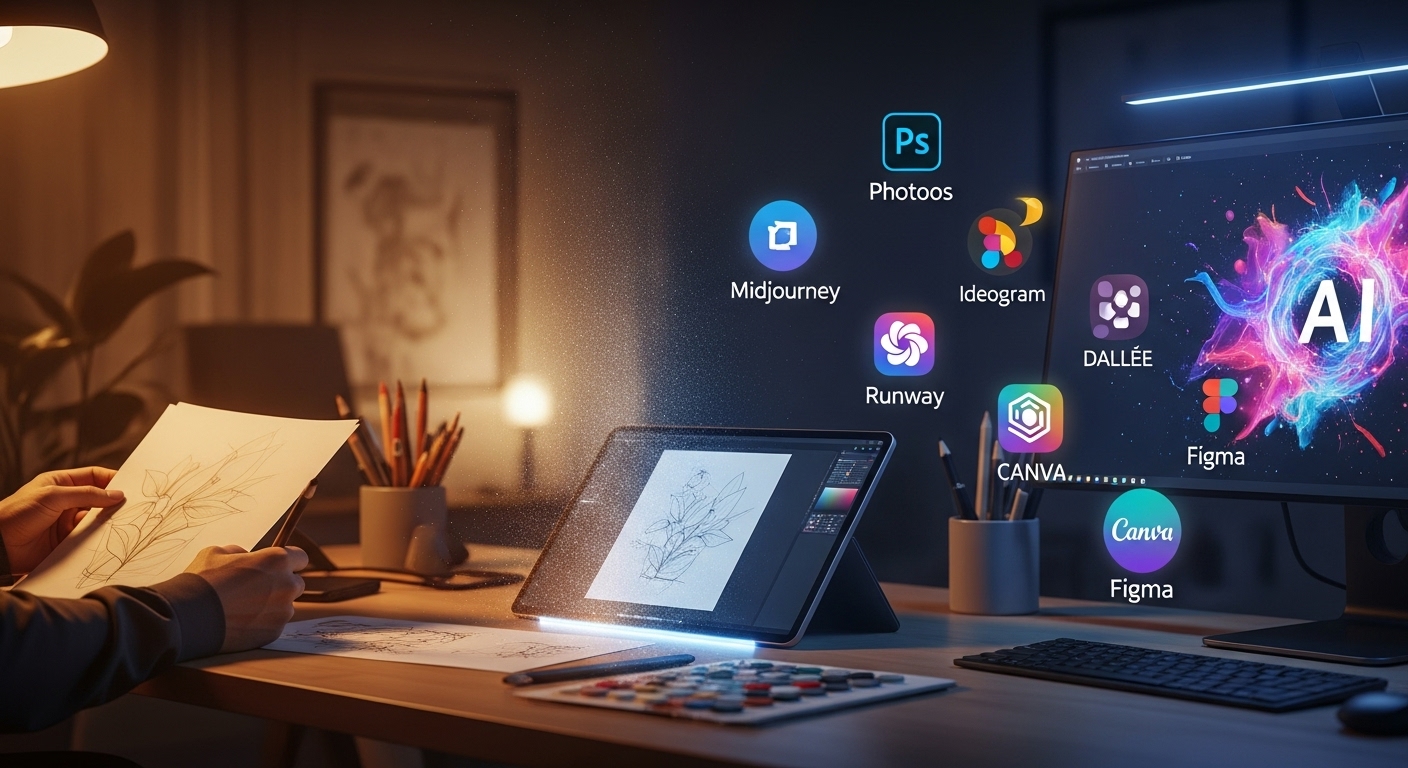
In today’s creative world, generative AI has become the designer’s digital sketchbook: fast, flexible, and ready for experimentation. Instead of waiting to sit down and draw, you can type a few words and watch an idea unfold. With the right tools and approach, you can move from concept to presentation faster than ever. Generative AI tools for designers are necessary.
- • Midjourney – A leading text-to-image AI where you input a prompt and it returns four initial images to refine.
- • Ideogram – A free/accessible image-generation platform noted for realistic renders and good text-typography integration.
- • Leonardo AI – A creative suite for image generation (and video) geared toward designers, teams, and brand work.
Layout & Presentation
- Canva (with AI features) – Includes drag-and-drop design, plus built-in AI like Magic Design for rapid layouts. canva.com+1
- Adobe Firefly – Adobe’s generative-AI toolkit for image & graphic design, enabling text-to-image, style exploration, and safe commercial use. Adobe+1
- (Also worth noting: other tools like Fotor AI may appear in this category—designers should keep an eye on emerging ones.)
Video & Motion Design
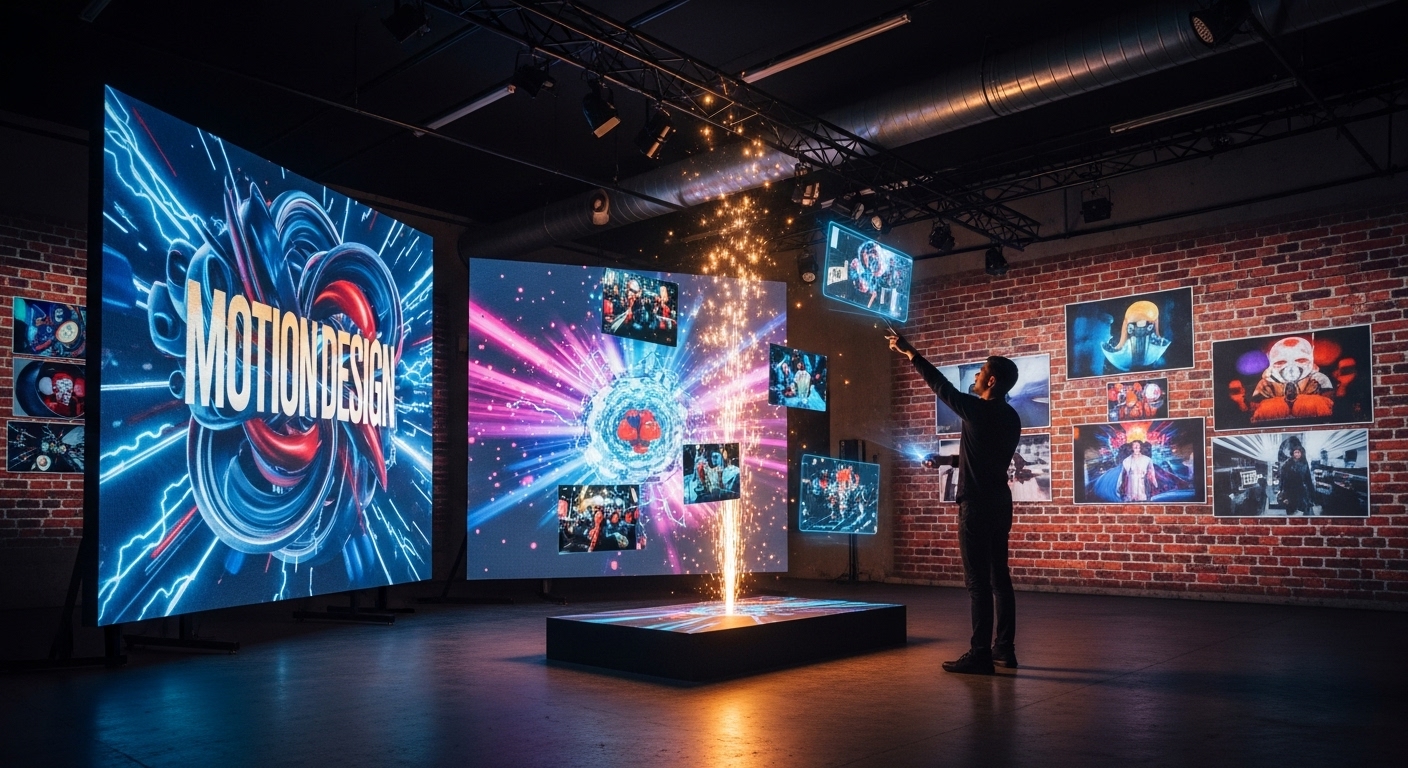
- Pika Labs – Text- or image-to-video generator that lets you animate ideas with minimal manual motion work. Pollo AI+1
- (If you work in motion, additional tools like Runway ML or Kaiber are also entering the space—worth exploring.)
How to integrate into a pipeline
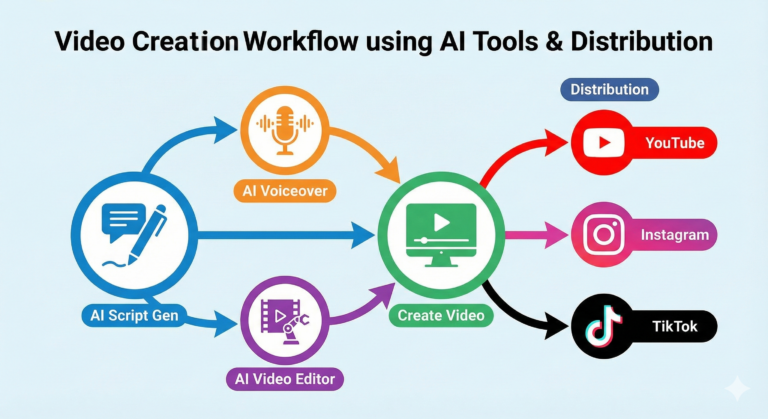
Concept / Ideation: Use Midjourney, Ideogram or Leonardo AI to generate rough visuals from prompts.
Refine & Layout: Import best visuals into Canva or Adobe Firefly, build mock-ups, adjust typography, layout, brand colour.
Motion & Video: If your design needs animation or video, take assets into Pika Labs (or similar) to generate motion sequences.
Voice & Avatar: Add voice-over via Eleven Labs or embed avatar/videos via D-ID to extend your presentation.
Export & Deliver: Finalise in your chosen tool, create client deliverables (mock-ups, videos, slides) and present fast.
By bridging these layers, you stay in control, work faster, and produce multi-modal deliverables (still images → presentation → video → voice) with less manual grunt work.
From Prompt to Portfolio
Prompt writing is becoming a core design skill. The visual tools are powerful—but the magic is in how you ask.
Why prompt engineering matters
When you enter “a modern minimalist living room, cinematic lighting, golden hour tones,” you’re setting subject, style, mood and lighting in one go. The tool interprets your words, so being clear pays off.
Here’s an example prompt
“A modern minimalist living room, cinematic lighting, golden hour tones, natural wood floor, soft linen sofa, abstract art on wall, wide-angle 35mm lens, warm colour palette.”
Try playing with variations:
Change the mood: “moody twilight lighting” or “bright midday sunlight”.
Change the style: “Scandinavian style minimalism”, “brutalist concrete interior”.
Change the composition: “Aerial view, top-down”, “close-up on sofa and coffee table”.
Try aspect ratios: 1:1 for social post, 16:9 for video, 9:16 for mobile story.
Encouragement to experiment
Don’t settle on the first output. Generate three variations per prompt. Change one keyword at a time so you can “see” what effect small changes have: e.g., swap “golden hour” to “neon twilight”; or change “natural wood” to “dark walnut”; see how the vibe shifts.
Over time you’ll build a library of proven prompt “templates” you can reuse, refine and incorporate in client work or personal portfolios.
At Kynice Designs we’re embracing generative AI to streamline everything—from brainstorming to final export—so you can focus more on idea and less on grunt work.
Our workflow example
Session kick-off: We ask for a quick summary of the client brief and then jump into ideation with a tool like Ideogram or Leonardo AI to generate 5–7 initial visuals in 15 minutes.
Variation round: Pick 3 of the most promising visuals and run prompts with slight changes (lighting, angle, colour).
Layout build: Open Canva or Adobe Firefly, drop in chosen visuals, add typography/brand assets, build presentation slides or web mock-ups.
Motion/Video & Voice: If the client wants a short video or narrative piece, move the assets into Pika Labs (for motion) and Eleven Labs (for voice) or D-ID for avatar.
Deliver: Export stills, motion files, slide decks, share link with client. Because of the speed and iteration, you can produce “three variations per concept” quickly—giving the client options, faster turnaround, and you free time for creativity.
Tip: Use AI from the beginning of ideation, not just at the end. When AI enters later-stage work (after layout), you lose the chance to use it as a brainstorming partner. Use it early, let it generate ideas rapidly, then refine.
Conclusion
Generative AI is no longer a “nice-to-have” for designers—it’s a must-have. Whether you’re working on logos, websites, motion graphics or avatars, the right tool + the right prompt + the right process = faster work, more variations, and more free space for creativity. Ready to sketch with words and screen? Let’s go!

— Final Thoughts
If chat is the new operating system, in-chat apps are the icons on your desktop, ready the moment you speak. The shift isn’t about novelty; it’s about removing friction so ideas move straight from prompt → prototype → publish in a single thread. That’s creative flow, not just convenience.