From Static to Cinematic: Stop Just “Generating” and Start Orchestrating
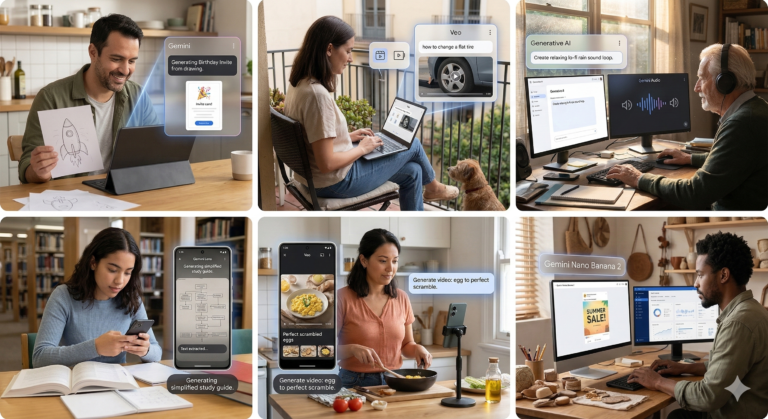
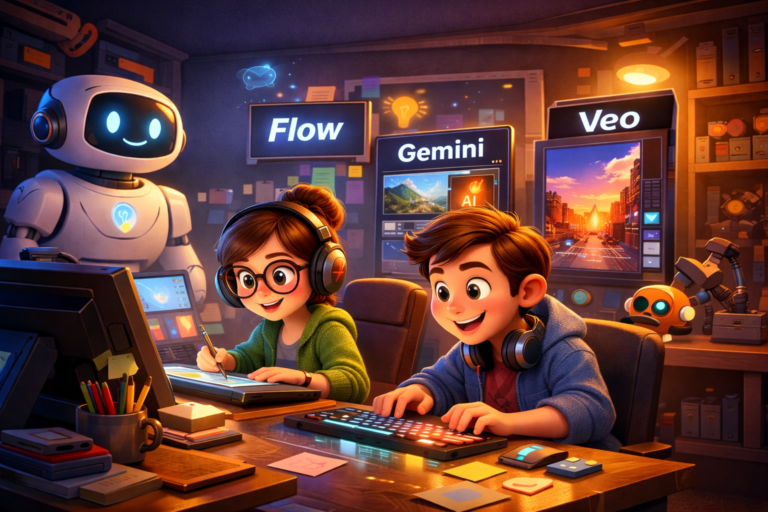
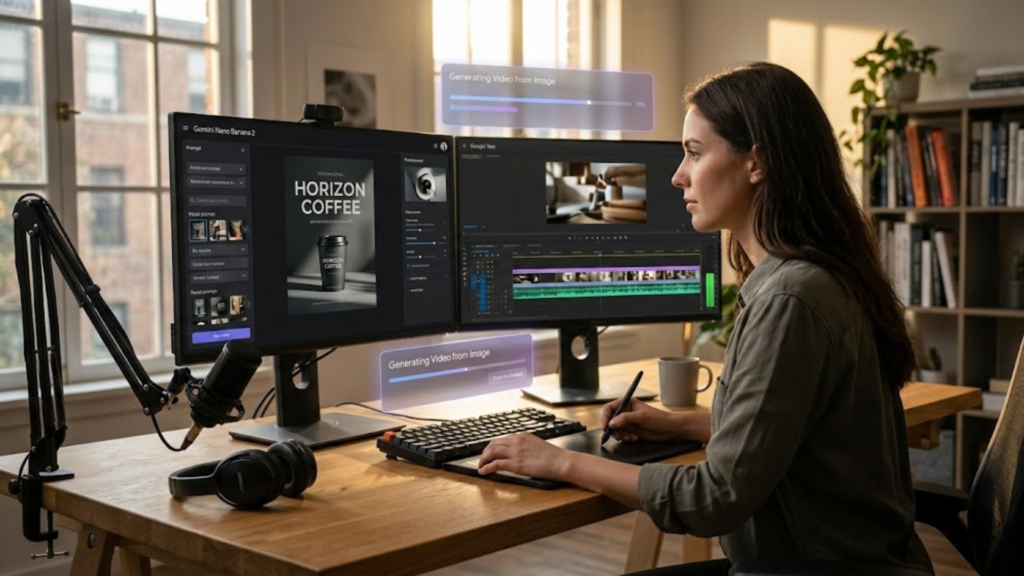
Google Veo 3.1 improves cinematic AI video generation. The biggest shift in AI right now isn’t a new model; it’s Workflow Consolidation. Google’s Nano Banana 2 just turned Gemini into a full-stack creative studio. You can now go from a high-fidelity image to a video clip with synchronized sound, all in one place.
If you’re a designer or content creator, your “superpower” is no longer just writing a good prompt. It’s building a multimodal pipeline.
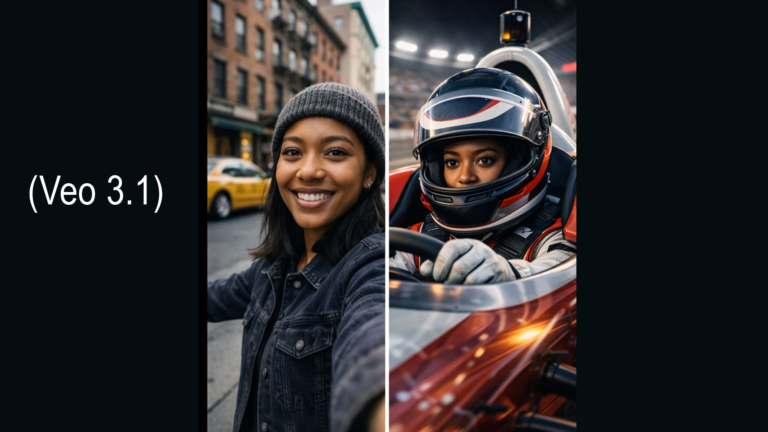
Google’s Veo 3.1 video model is becoming a leading tool for AI video generation, capable of creating high quality clips from prompts or images while maintaining motion consistency and synchronized audio. AI video tools now generate audio and voice automatically.
Why it matters for video creators
This allows rapid concept testing, storyboarding, and social media clip creation without filming. Designers can generate motion scenes from still visuals and iterate quickly.
Why it matters
Instead of juggling multiple tools for visuals, editing, and sound, creators can produce entire short form videos from one prompt driven workflow.
Practical Tips for Designers and Creators
Tip 1: think like a photographer when prompting
Use visual language such as lighting, camera lens, shot angle, color palette, and mood. This dramatically improves image and video results.
Tip 2: build assets first, motion second
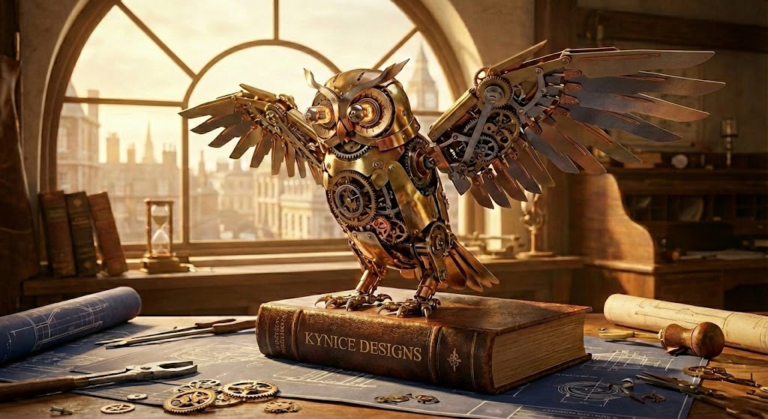
Create strong images first with tools like Gemini or Midjourney, then animate them using image to video with Veo.
Tip 3: prototype before filming
Generate a rough AI video concept before recording real footage. This helps plan shots, pacing, and visual style.
One Actionable Idea to Try Today
Create a 30 second concept video in under 20 minutes
Step 1
Generate three branded visuals with an AI image tool such as Gemini Nano Banana 2.
Step 2
Upload those images into an AI video tool and prompt motion such as camera moves or environment animation.
Step 3
Use AI generated music or sound effects to finish the clip.
Step 4
Use the result as a storyboard or social teaser.
This workflow lets designers test creative ideas before investing time in full production.
Biggest Trend Experts Are Highlighting
AI specialists say the biggest shift happening right now is creative workflow consolidation.
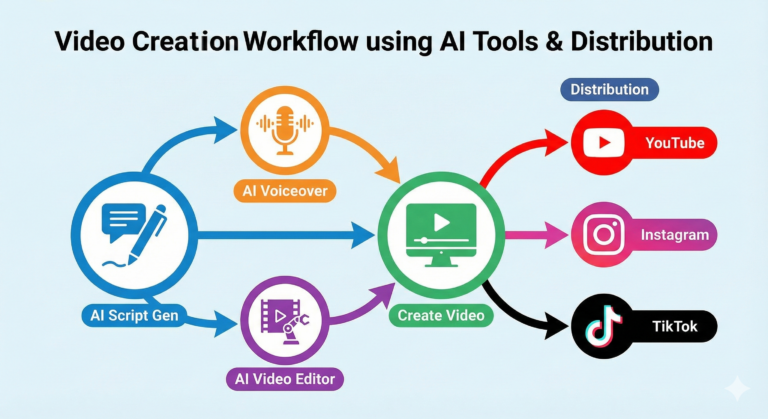
Instead of separate tools for images, video, editing, and audio, platforms are merging these capabilities into complete AI production environments. Creators can now generate assets, animate them, edit the footage, and add sound in a single system.
For designers and content creators, this means the future skill is not just prompting images. It is orchestrating multiple AI tools into a creative pipeline.
🛠 The 20-Minute AI Video Workflow: Step-by-Step
Want to try the multimodal pipeline I mentioned in the post? Here is how to do it today:
- Phase 1: High-Fidelity Assets Open Gemini and use the Nano Banana 2 model. Prompt for a high-quality branded image (e.g., “A minimalist coffee brand poster, ‘Horizon Coffee’ text, soft morning light, 8k”). The new text rendering is a game-changer—it will actually get the spelling right!
- Phase 2: Bring it to Life Take your favorite generated image and upload it to Google Veo or Runway Gen-3. Use a motion prompt like: “Slow cinematic zoom, steam rising from the cup, morning dust motes floating in light.”
- Phase 3: The Rough Cut Drop your clips into Adobe Quick Cut. Use the AI assistant to “Build a 15-second social teaser from these clips.” It will handle the boring “blank timeline” setup for you.
- Phase 4: Audio Layering Use the built-in audio generator in Firefly or Veo to add “lo-fi acoustic background music” or “gentle café atmosphere sound effects.”
- Phase 5: Refine & Export Spend the last 5 minutes tweaking the pacing. You’ve just moved from an idea to a produced asset in under 20 minutes.
Why it matters: Tools like Quick Cut and Veo are killing the “blank timeline” phase. We are moving from “manual assembly” to “creative direction.”
💡 Pro Tip:
Think like a cinematographer. When prompting your video, specify the lens (e.g., “35mm”) and the movement (e.g., “slow drone push-in”) to get professional-grade consistency.
READ the Full Article Freebie
The “Character Consistency” Storyboard
Focuses on: Maintaining a subject’s look across frames.
Prompt: Part 1: Generate a character study of a 30-year-old female graphic designer with curly hair, wearing a green linen blazer and silver glasses. She is sitting in a sunlit modern studio. Part 2: (After image generates) Now, generate the same character standing in a busy city park, holding a digital tablet and looking thoughtful. Maintain the exact same hair, glasses, and blazer. Cinematic lighting, photorealistic.
#GraphicDesign #AIVideo #Gemini #NanoBanana2 #CreativeWorkflow #ContentCreator #AdobeFirefly

— Final Thoughts
As we move further into 2026, the takeaway for every designer and development manager is clear: the technical barrier to entry is falling, but the strategic bar is being raised. We are shifting from a world of “manual assembly” to one of “creative direction”.
The Orchestrator’s Advantage
The release of tools like Nano Banana 2 and Veo 3.1 proves that the “blank timeline” phase of creative work is officially becoming a thing of the past. By consolidating your workflow, you aren’t just saving time; you are freeing up your mental bandwidth to focus on what truly moves the needle—storytelling, brand strategy, and deep donor engagement.
Embrace the Multimodal Future
Whether you are building an AI agent for donor stewardship or prototyping a social media teaser for a local contractor, your value now lies in your ability to orchestrate these various AI pipelines into a cohesive result.
Don’t just watch the shift happen—lead it. Start by testing the 20-minute workflow today. Prototype your ideas, test your visual concepts, and use these tools to bridge the gap between a static idea and a cinematic reality.